AI Search
· 11 min read
AI Search Brand Visibility in 2026
Improve brand mentions in ChatGPT, Gemini and AI Overviews with stronger entities, citations and answer-ready content. Use the 2026 checklist.
Read article
See what an HTTP 401 error means, how it differs from 403 and how users or developers can fix authentication problems. Check the steps now.
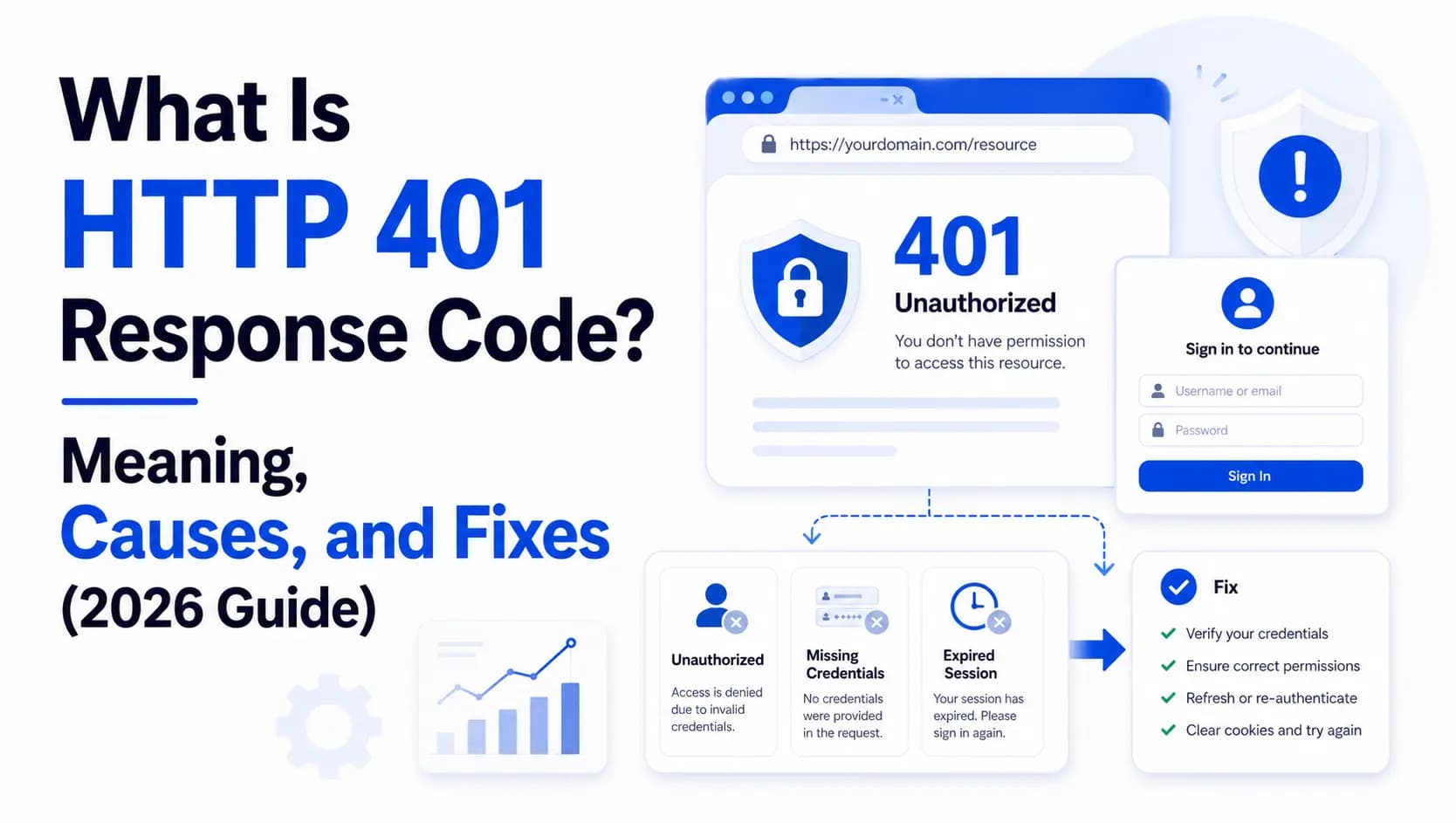
An HTTP 401 response code means the server received your request, understood it perfectly well, and then refused to hand anything over because you haven't proven who you are. Your authentication credentials are missing, malformed, or expired. That's the whole story in one sentence: the status code 401 is the digital version of knocking on a members-only door. The doorman hears you knock — he just doesn't recognize you, and until you show a valid pass, you're staying out in the hallway.
That simple idea makes the 401 error one of the most common, and most misunderstood messages on the entire internet. And in 2026, it matters more than ever. According to Akamai's State of the Internet security research, roughly 87% of organizations were hit by API attacks in 2025, and "broken authentication", the exact failure a 401 is built to flag, sits at or near the top of nearly every security report published this year.
So let's decode the 401 properly: what it means, what causes it, and the step-by-step fixes for both everyday users and developers.
The official definition comes from RFC 9110, the document that governs modern HTTP. It describes a 401 as a request that "lacks valid authentication credentials for the target resource." In other words, the server is asking one blunt question before it does anything else: who are you?
Here's the twist that trips up almost everyone. The official name of the 401 code is "Unauthorized," but that name is genuinely misleading. A 401 is not about permission, it's about identity. It means you are unauthenticated: you either sent no credentials at all, or the ones you sent were wrong, stale, or expired. Permission problems are a completely different status code (more on that in a second).
There's one more rule baked into the spec that most people have never heard of. When a server returns a 401 status code, RFC 9110 requires it to also send a WWW-Authenticate header. That header is the server's instruction manual — it tells the client how to authenticate (for example, with a bearer token or basic auth) and, ideally, what went wrong.
That little header is what makes a 401 a fixable state. The server isn't slamming the door forever; it's telling you exactly what to bring next time. (Plenty of real-world APIs skip the WWW-Authenticate header, which technically breaks the spec and leaves clients guessing. If you build APIs, don't be that API.)
A quick note on history, since you'll see older references floating around: the 401 http code was redefined in RFC 9110 (June 2022), which consolidated the earlier RFC 7235. The behavior is identical — if your documentation cites RFC 7235, just know that RFC 9110 is the current standard.
These two codes get mixed up constantly, and getting them straight is the single most useful thing you can learn about the 401 response. Back to our doorman: a 401 means log in and try again. A 403 means stop trying, because reauthenticating won't change the answer. A classic bug is an API that returns a 403 when the Authorization header is missing entirely — that's wrong.
A missing or invalid token is always a 401. Mislabeling it sends clients (and AI agents, which are now constant API consumers) down the wrong recovery path — retrying forever or giving up on something that was always fixable.
The status of 401 errors splits neatly into two worlds: the browser, where it's usually a quick five-minute fix, and the API/developer side, where it gets more interesting.
In your browser, a 401 is usually caused by:
On the API and developer side, a 401 usually means:
If you've hit a 401 http status in your browser, work through these in order. Most people are fixed by step three.
When you're the one calling, or building, the API, the response code 401 is usually a credential or configuration issue. Check these:
Fixing a 401 is easy. Designing systems that produce fewer of them, without weakening security, is the real win. Lean on industry-standard auth flows like OAuth 2.0 and OpenID Connect rather than rolling your own. Use short-lived access tokens (a common recommendation is 15–60 minutes) paired with refresh-token rotation, so a leaked token has a tiny window of usefulness.
Always return a descriptive WWW-Authenticate header, and turn on multi-factor authentication wherever you can — widely cited industry figures suggest MFA can block up to 99.9% of automated account-takeover attempts.
Never trust, always verify. Identity is the new perimeter — the old idea of a safe internal network has dissolved, and every single request now has to prove itself.
A 401 response code means the server can't confirm who you are: your credentials are missing, invalid, or expired. It's about authentication (identity), not authorization (permission) — that's what separates it from a 403. As a user, you'll usually fix a 401 by checking the URL, re-entering your login, and clearing your cache and cookies. As a developer, check your token's validity, format, scope, and signature, and always return a WWW-Authenticate header.
The 401 status code is in the 4xx "client error" family, meaning the issue is usually on the requester's side — missing or invalid credentials. That said, server misconfiguration (a bad .htaccess rule, a drifting clock, an overzealous security plugin) can also produce a 401, so it's worth checking both ends.
A 401 means the server doesn't know who you are — log in and try again. A 403 means the server knows exactly who you are and is refusing anyway — you lack permission, and reauthenticating won't help.
Almost always stale browser data. Your browser is sending an old, cached credential or session cookie that the server no longer accepts. Clear your cache and cookies, or test in an incognito window, and the 401 typically disappears.
On pages that are meant to be private, a 401 is expected and harmless. But if pages you want indexed return a 401, search engines can't crawl or rank them — so an accidental 401 on public content can absolutely cost you visibility. Run a full SEO audit to make sure only protected resources return it.
It's the header RFC 9110 requires on every 401. It tells the client which authentication scheme to use (such as Bearer or Basic) and often includes an error description explaining what went wrong, turning a guess-and-retry loop into a precise fix.
As long as the credential problem exists. The instant you supply valid, unexpired credentials, the request succeeds. Unlike a 500 server error, a 401 is almost always fixable on demand.
Get a free SEO audit and a clear, prioritized plan for your Mississauga business — no long-term contract required.
Get a Free SEO Audit· 11 min read
Improve brand mentions in ChatGPT, Gemini and AI Overviews with stronger entities, citations and answer-ready content. Use the 2026 checklist.
Read article· 14 min read
Build a keyword plan around search intent, competition and business value, then map terms to the right pages. Follow the step-by-step process.
Read article· 15 min read
See what SEO companies handle, what they should not promise, typical Mississauga costs and how to assess value. Check the complete guide.
Read article