Technical SEO
· 8 min read
HTTP 401 Error: Meaning, Causes & Fixes
See what an HTTP 401 error means, how it differs from 403 and how users or developers can fix authentication problems. Check the steps now.
Read article
Use internal links to guide users, distribute authority and help search engines find priority pages. Check placement and anchor text tips.
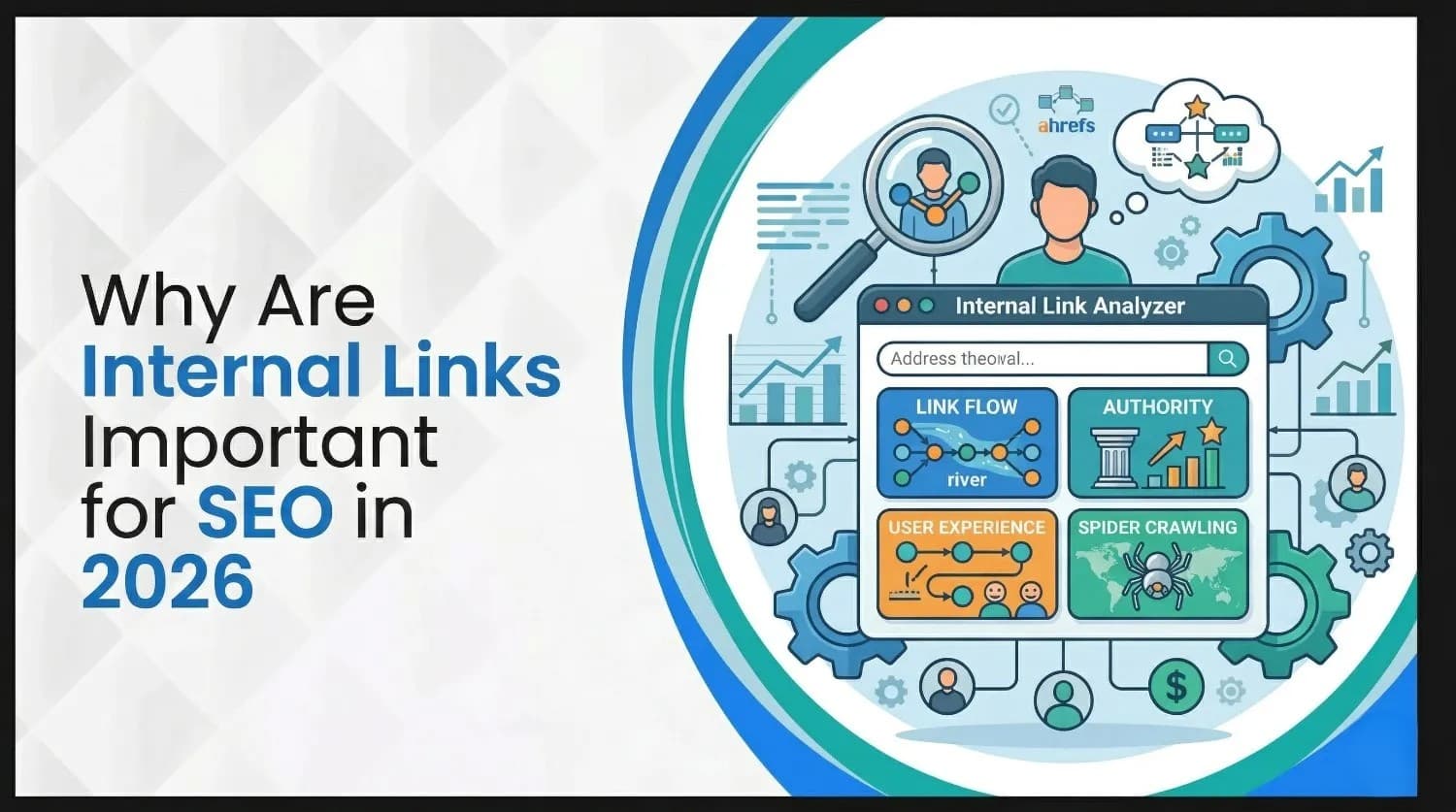
Search engine optimisation has changed dramatically with the rise of generative AI and Google's Search Generative Experience (SGE). Yet one foundational technique remains vital: internal links. These links connect pages within your own domain and act as pathways for users and crawlers. They help search engines discover and prioritise your content, distribute authority, and guide visitors toward conversion.
In 2026 internal linking has grown even more important because AI-driven search models rely on context and clear site structures. A well-planned internal linking strategy is therefore essential to ranking higher in both traditional search results and AI-powered answer engines.
This guide explores why internal links matter, how many you should use, and how to build an effective internal linking strategy that resonates with today's search algorithms and users. We'll examine types of internal links, best practices, mistakes to avoid and provide actionable tips tailored for businesses in Canada, especially those seeking effective internal linking strategies for Toronto SEO success.
An internal link is a hyperlink that connects one page of your website to another page on the same domain. For example, linking from your blog post about on-page SEO to a related case study keeps the visitor within your ecosystem and helps search engines follow a logical trail through your content. Internal links differ from external links (which point to another website) and backlinks (incoming links from other domains).
To build an effective internal linking strategy, it's important to understand the different types of links and when to use them:
Understanding these link types will help you decide where to place links and what anchor text to use.
While internal links connect your own pages, external links lead visitors to another domain. External links (including backlinks) play a major role in establishing domain authority, but they don't improve navigation within your site. Internal links, on the other hand, are under your control and allow you to channel authority where it's needed most.
Visitors expect clear pathways through your site. Internal links guide them logically from one page to another, help them discover related content and reduce bounce rates. For example, linking a product page to a related FAQ or blog post can keep users engaged longer and improve conversions. Good navigation also encourages crawlers to explore more pages, boosting crawlability.
Your homepage and high-performing posts typically earn the most backlinks. When these pages link to other pages on your site, they pass some of that authority (often called link equity or "link juice") to the linked pages. Spreading link equity helps newer or less visible pages rank better, especially when those pages haven't yet acquired external backlinks.
Internal links help search engines map the relationships between pages and identify which ones are most important. When your homepage links to category pages and those categories link to specific articles or products, it signals a clear hierarchy. In the age of generative AI and SGE, linking related articles within a topic cluster strengthens your topical authority. The more you interlink content on a single subject, the more authoritative your site appears for that subject.
Search engines can't rank pages they can't find. Internal links create pathways for crawlers to discover new content quickly, preventing pages from becoming "orphaned" (pages with no internal links). Consistent linking improves crawl paths and ensures every page is accessible.
Internal links encourage visitors to explore more content, boosting page views and engagement metrics. Higher engagement tells search engines that your content is useful, which can positively influence rankings. Linking to relevant content also keeps users on your site longer, improving dwell time.
Anchor text, the clickable words of a link, tells search engines what the destination page is about. Using descriptive, keyword-rich anchor text clarifies the context for both users and AI systems. This is especially crucial in 2026 when generative models rely on semantic connections between pages to produce accurate answers.
As AI models power more search experiences, internal linking becomes a key signal for topic relationships and contextual relevance. In GEO, search models need a clear understanding of your content to generate concise answers. Internal links, combined with structured content and descriptive anchors, help AI connect the dots and perceive your brand as authoritative. This is why thoughtful internal linking is now essential for future-proof SEO strategies.
For businesses in Toronto, Mississauga and other Canadian cities, internal links help channel authority to local landing pages. Linking service pages, location pages, blog posts and testimonials creates a web of context around your local offerings. In 2026, when generative AI models deliver location-specific answers, strengthening these connections can improve visibility in local search results.
There is no one-size-fits-all number, but internal linking should be deliberate and proportionate to your content length. SEO experts suggest aiming for about 5-10 internal links per 2,000 words. More importantly, focus on relevant links that enhance the user experience and avoid over-linking; search engines may devalue pages that are saturated with unnecessary links.
Creating a robust internal linking strategy requires planning. The following steps outline a blueprint for any business whether you manage a blog, e-commerce site or local service website.
Start by identifying your pillar pages; these are broad, high-value pages that drive your core goals (e.g., your homepage, main service pages, a comprehensive "ultimate guide"). Then map out supporting pages, such as blog posts, FAQs and landing pages that delve into subtopics. In a hypothetical ice-cream shop example, the landing page listing all flavours is the pillar page, while individual pages for sorbet, gelato and classic ice cream are supporting pages.
Pro tip: Use a tool like a site crawler to discover pages with high authority (often those with many external links) and designate them as pillars. This helps you prioritise where to distribute link equity.
Organise your content into clusters where a central pillar page links out to multiple related pages and those pages link back to the pillar. For example, a "Toronto SEO Services" page can link to subpages about keyword research, on-page optimisation, technical audits and case studies. This hub-and-spoke model improves crawlability and signals to AI that your site covers the topic comprehensively.
Anchor text should be descriptive and relevant to the destination page. Avoid generic phrases like "click here"; instead, use natural phrases like "our keyword research services" or "Toronto SEO case study". Vary your anchors to avoid over-optimisation and to target long-tail variations of your secondary keywords.
A shallow structure means users can reach any page within two or three clicks from the homepage. This improves crawl efficiency and user experience. Avoid burying important pages deep in your site architecture. Use breadcrumbs, navigational menus and contextual links to keep pathways short.
When publishing a new page or post, add links from relevant existing pages to it. Likewise, ensure the new page links back to your pillar or related pages. This prevents orphan pages and helps search engines discover new content quickly.
Broken or outdated links harm user experience and SEO. Conduct periodic internal link audits to identify orphan pages, broken links and outdated anchor text. Tools like site crawlers or SEO plugins can highlight pages that need more links. Fixing broken links, updating old posts with new links and pruning unnecessary links will maintain a healthy site structure.
Make sure your internal links are do-follow so search engines can follow them and pass link equity. Using rel="nofollow" on internal links may block crawl paths and waste link equity. Reserve no-follow for truly non-editorial links (e.g., user-generated comments) and keep your internal links open for crawling.
The foundation of effective internal linking is high-quality content that provides value to readers. Create comprehensive guides, case studies and local resources that naturally lend themselves to internal linking. High-quality content attracts external links and encourages users to explore more pages.
Include sections such as "Related Articles" or "Popular Posts" at the end of blog posts. These help readers continue their journey and distribute link equity. Widgets and plugins can automate this process, but ensure that the suggestions are contextually relevant.
For businesses targeting specific cities like Toronto or Mississauga, build dedicated location pages and interlink them with service pages, blog posts and testimonials. Use anchor text containing local keywords (e.g., "best SEO agency in Mississauga") and link to pages featuring client success stories in those areas. This increases relevance for local search queries and helps generative AI recognise your geographic expertise.
Toronto's competitive digital landscape demands a strategic internal linking approach. Whether you're a boutique coffee shop on Queen Street, a tech startup in the Distillery District or a service provider in Mississauga, the following tactics will enhance your local visibility:
By combining these tactics with the general best practices outlined earlier, you'll build an internal linking structure that not only boosts SEO but also positions your business as a local authority.
Internal links are more than just navigational aids; they are the connective tissue that binds your site together. They distribute authority, guide visitors, improve indexation and strengthen topical relevance, especially in the era of AI-powered search. By identifying pillar pages, structuring content hubs, using descriptive anchor text and auditing your links regularly, you can build an internal linking strategy that boosts both traditional SEO and generative engine optimisation.
Are you ready to enhance your website's internal linking and rank higher in local searches? Our Mississauga-based SEO team specialises in crafting effective internal linking strategies for businesses across Toronto and beyond. Contact us today to schedule a free internal link audit and discover how a well-structured site can transform your online presence.
An internal link uses the <a> tag to connect two pages on the same domain. For example, <a href="/about-us">About Us</a> links to the "About Us" page on your site. An external link points to a different domain, such as <a href="https://example.com">Example</a>. In SEO, both internal and external links are important, but internal links control the flow of authority and guide users within your own site.
There's no strict rule, but a good guideline is 5-10 internal links per 2,000 words. Focus on relevance and readability rather than hitting a specific number.
Yes, internal links should generally be do-follow so search engines can crawl them and pass link equity. Reserve no-follow for links you don't want crawlers to follow, such as user-generated content.
An internal link audit is a systematic review of your site's internal links. It involves checking for broken links, orphan pages, over-linked pages and outdated anchor text. An audit helps you identify where to add or remove links, ensuring a coherent structure and optimal crawlability.
Most content management systems, including WordPress, allow you to create internal links simply by highlighting text and adding a link to another page on your site. Many SEO plugins also provide link suggestions as you write, helping you connect related content efficiently. Regardless of the tool you use, always verify that links are contextually relevant and that anchor text is descriptive.
Yes. Using the exact same anchor text across multiple pages or using overly keyword-stuffed phrases can appear unnatural and spammy, potentially triggering search engine filters. Vary your anchor text and use natural language.
Get a free SEO audit and a clear, prioritized plan for your Mississauga business — no long-term contract required.
Get a Free SEO Audit· 8 min read
See what an HTTP 401 error means, how it differs from 403 and how users or developers can fix authentication problems. Check the steps now.
Read article· 11 min read
Improve brand mentions in ChatGPT, Gemini and AI Overviews with stronger entities, citations and answer-ready content. Use the 2026 checklist.
Read article· 14 min read
Build a keyword plan around search intent, competition and business value, then map terms to the right pages. Follow the step-by-step process.
Read article