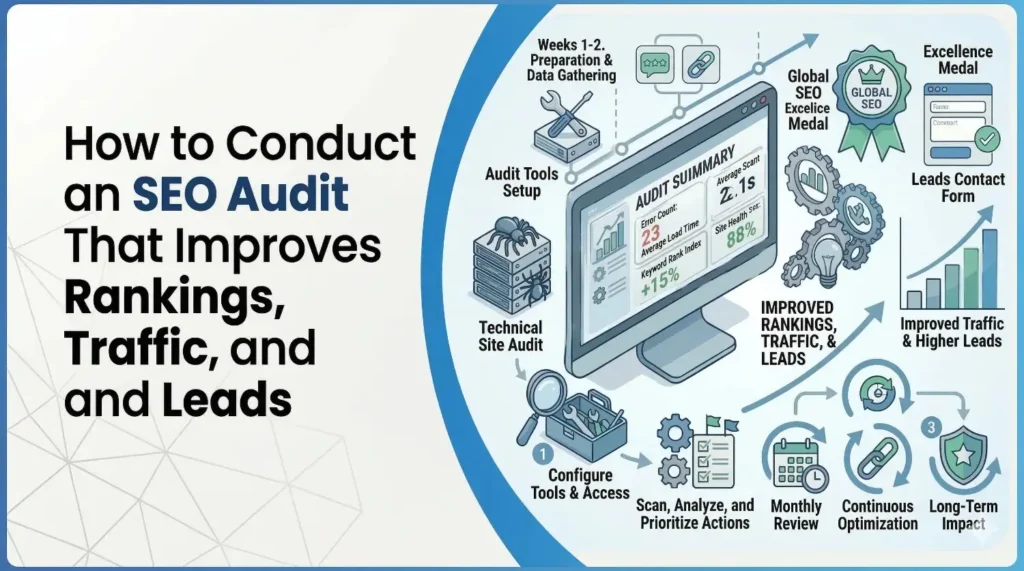
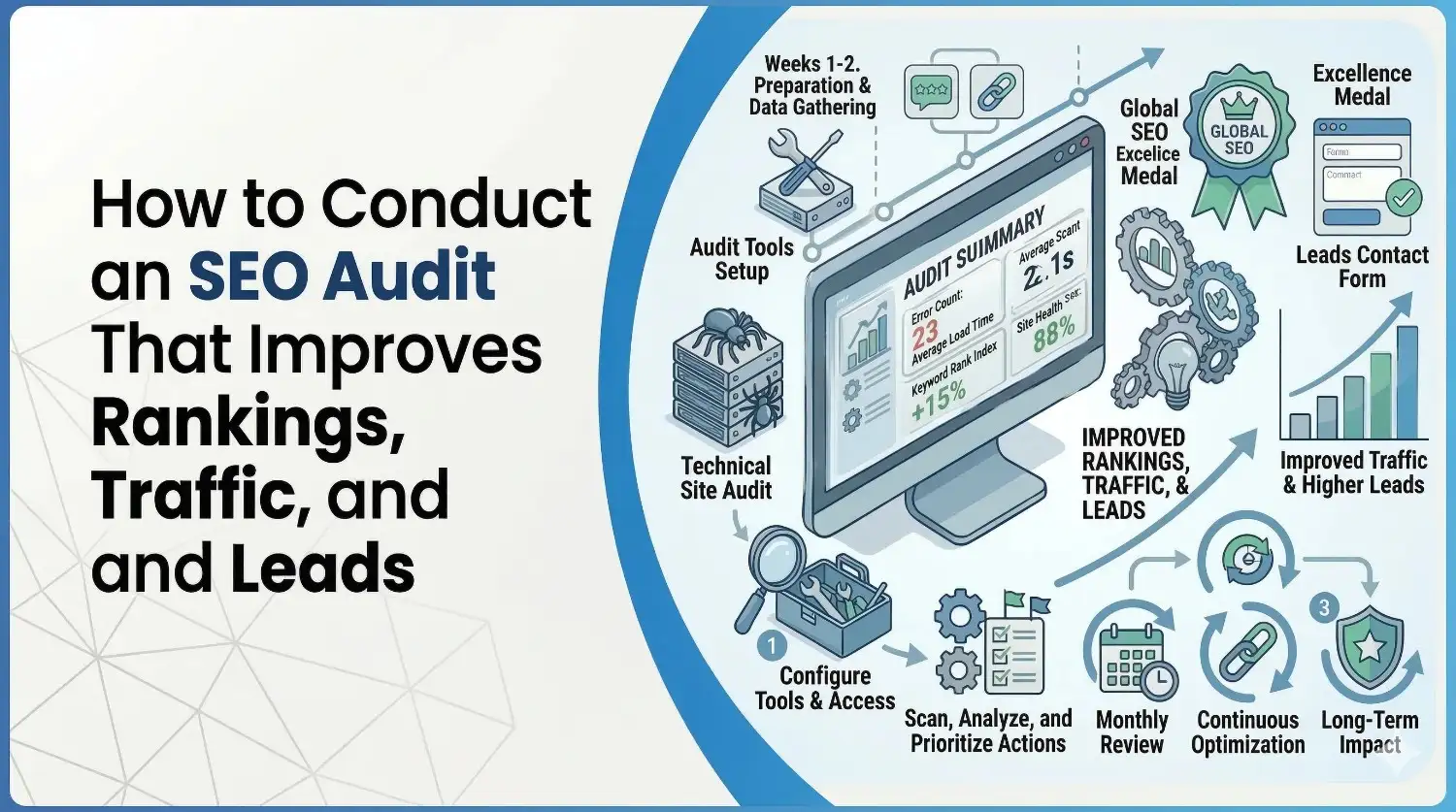
How to Conduct an SEO Audit That Improves Rankings, Traffic, and Leads
March 17, 2026
| Turab Talha | Reviewed by {acf_subject_expert}
Modern search isn’t limited to a single list of blue links. People are finding information through generative AI tools, voice‑assistants and feature‑rich search results. An SEO audit is the process of evaluating how well a website is optimised for both traditional search engines and newer AI experiences.
It acts as a health check, showing whether search bots can access your pages, how your content and technical foundations perform, and how your brand appears in AI responses. Performing a comprehensive audit should be the first step before launching any optimisation campaign.
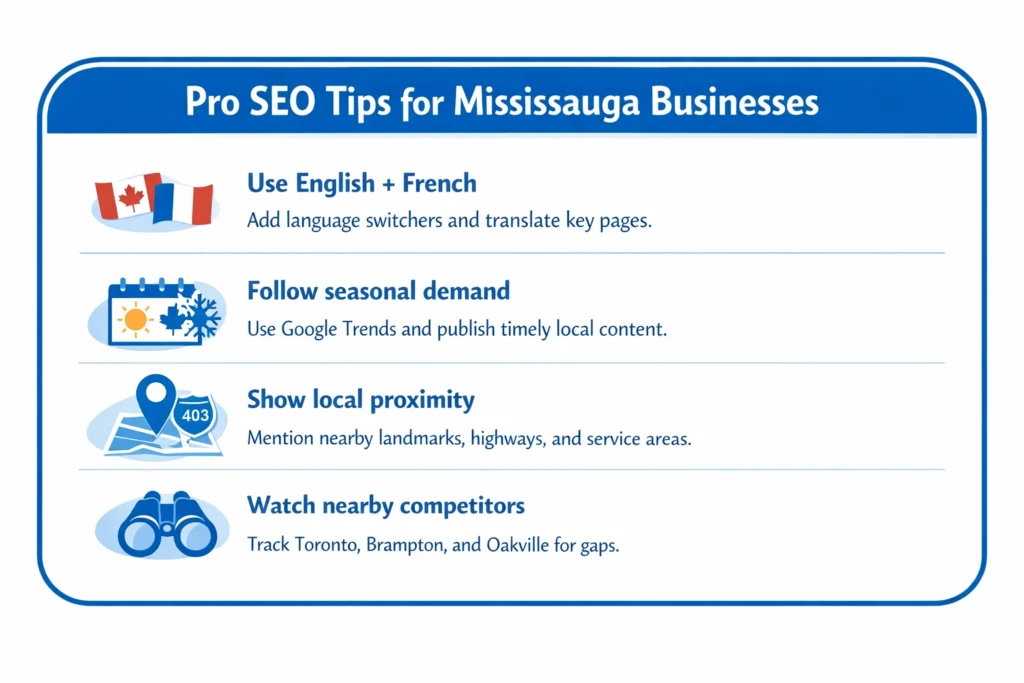
Mississauga’s businesses compete in a thriving Greater Toronto Area market where local search results and AI‑powered recommendations can directly influence foot traffic and sales. This guide explains how to conduct an SEO audit tailored for organisations in Mississauga and similar Canadian cities. It draws on industry best practices from leading SEO agencies and combines technical, content and local strategies to improve rankings, traffic and leads.
Why an SEO audit matters
- Algorithms evolve constantly. Search engines and generative AI regularly update how they evaluate pages. Without periodic audits you risk falling behind or being penalised for outdated practices.
- It’s your site’s health check. An audit identifies whether bots can crawl your pages, how your site performs technically, and whether content meets user intent. Fixing issues early prevents bigger problems later.
- Greater return on investment. By benchmarking current performance and uncovering opportunities, you reduce wasted ad spend and focus resources on high‑impact improvements.
- Local competition. In Mississauga, local businesses compete for visibility in neighbourhood packs and “near me” searches. Regular audits ensure your website and Google Business Profile are optimised for local intent.
Tools you need for an SEO audit
Investing in the right tools accelerates the audit process:
| Tool | Purpose |
| Google Search Console (GSC) | Monitor indexing status, discover crawl errors, and analyse search queries. Using GSC helps you understand how Google sees your pages and whether they appear in AI summaries. |
| Bing’s Mobile‑Friendliness Test & Google’s PageSpeed Insights | Evaluate mobile usability, page speed and Core Web Vitals. A mobile‑first approach is critical because Google primarily uses the mobile version for ranking, and slow sites drive visitors away. |
| Robots.txt tester | Check whether robots are accidentally blocked. Tools like Google’s robots.txt tester show if important sections are disallowed. |
| Crawling software (e.g., Screaming Frog, Semrush Site Audit) | Crawl your site and report technical errors such as broken links, duplicate content, missing meta tags and indexation issues. |
| Analytics & backlink tools | Combine GSC and GA4 data with Ahrefs or Moz to analyse backlinks, referring domains and organic traffic trends. High‑quality backlinks remain a key differentiator: one study found that 96.55 % of pages receive no organic traffic, and the top 3.45 % have strong backlink profiles. |
Step‑by‑step audit process
1. Ensure your site is crawlable and indexable
Search bots (Googlebot, BingBot, OAI‑SearchBot, PerplexityBot, etc.) use your robots.txt file and meta tags to determine which pages they may crawl. Make sure that:
- Your robots.txt doesn’t block important directories such as /products/ or /blog/. Only disallow low‑value pages (e.g., admin areas).
- You allow access to modern AI bots (Google‑Extended, GPTBot, ClaudeBot) so your content appears in AI summaries.
- Each page has a proper index/follow directive. Pages you don’t want indexed should use noindex, nofollow meta tags.
- Remove duplicate versions of your site (e.g., both HTTP and HTTPS or with/without www). Use 301 redirects and canonical tags to consolidate into a single, secure version.
2. Benchmark your AI and search visibility
Before making changes, establish a baseline. Tools like Semrush’s AI Visibility report or manual prompts can show how often AI platforms cite your brand. Monitor:
- AI Visibility score: the percentage of AI responses that mention your domain.
- Mentions vs. citations: the number of times AI lists your site as a source. Are your high‑value pages cited?
- Trend lines: is AI visibility improving or declining? Compare with competitors to gauge performance.
For traditional search, record metrics such as organic traffic, number of pages indexed, and average ranking for primary keywords. Note which pages are top performers and which underperform.
3. Check what AI says about your brand
Generative AI tools may present inaccurate or outdated information about your business. Ask ChatGPT, Gemini or other AI to describe your company, products or location. Watch for:
- Factual inaccuracies, incomplete answers or competitor confusion.
- Out‑of‑date information such as old addresses or outdated service offerings.
- Hallucinations (AI inventing facts). If you spot errors, strengthen your content and schema markup to clarify facts. Create comprehensive FAQ pages and knowledge‑graph friendly content so AI has authoritative data to cite.
4. Map your brand to key topics
AI may not associate your brand with relevant categories unless you produce content that clearly connects the two. List your core offerings (e.g., “emergency plumbing in Port Credit,” “Mississauga tutoring services”) and compare them against the topics AI links to your brand. If there are gaps, develop targeted content clusters around those topics, using structured data and internal links to reinforce relevance.
5. Test mobile friendliness
Google uses mobile‑first indexing. If your site isn’t optimised for smartphones, it will rank lower. Use Bing’s Mobile‑Friendliness Test or Google’s Mobile‑Friendly Test to evaluate:
- Responsive design – pages adapt to various screen sizes without horizontal scrolling.
- Readable fonts and tap targets – text should be legible and buttons large enough to tap.
- Viewport configuration – ensure <meta name=”viewport” content=”width=device-width, initial-scale=1″> is present.
- Avoid intrusive interstitials – pop‑ups that block content harm user experience.
6. Evaluate site speed and Core Web Vitals
Speed is a direct ranking factor and impacts conversion rates. According to Google, visitors are more likely to stay on fast, responsive pages. Use PageSpeed Insights to measure:
- Largest Contentful Paint (LCP) – ideally under 2.5 s on mobile. Optimise images, use lazy loading and compress resources.
- First Input Delay (FID) or Interaction to Next Paint (INP) – should be less than 200 ms to ensure responsive interactivity.
- Cumulative Layout Shift (CLS) – aim for a score below 0.1 by reserving space for images/ads and avoiding layout shifts.
- Time To First Byte (TTFB) – slow server response times may indicate hosting issues.
7. Conduct a technical crawl
Run a full crawl with a tool like Screaming Frog or Semrush. Export the report and prioritise fixes. Look for:
- Broken links, 4xx/5xx errors and soft 404s.
- Duplicate content and thin pages, including duplicate variants due to parameters or session IDs.
- Missing, duplicate or lengthy title tags and meta descriptions.
- Improperly implemented canonical, hreflang or meta robots tags.
- Orphaned pages (pages not linked from anywhere) and pages buried more than four clicks deep.
- Render‑blocking resources – large JavaScript or CSS files delaying page rendering.
- Image optimisation issues – oversized images, missing alt text, or lack of modern formats like WebP.
Document each issue, explain why it matters, and provide high‑level recommendations. Group problems into categories (crawl/indexing, structure/navigation, page speed/mobile UX) and assign priority levels (P1–P4).
8. Review content quality using AI‑friendly criteria
High‑quality content demonstrates Experience, Expertise, Authoritativeness and Trustworthiness (E‑E‑A‑T) and is structured for both humans and AI. When reviewing pages, ask:
- Is it well‑structured? Use clear questions, concise answers, bullet lists and tables so AI can extract information easily.
- Does it highlight key facts and data? Bold important numbers and include citations.
- Is it conversational and skimmable? Short paragraphs, descriptive subheadings and FAQ sections improve readability and AI visibility.
- Does it show real expertise? Content should be created or reviewed by subject‑matter experts, cite reputable sources and include author bios.
- Are primary and secondary keywords integrated naturally? Avoid keyword stuffing; instead, use synonyms and long‑tail phrases to cover semantic variations.
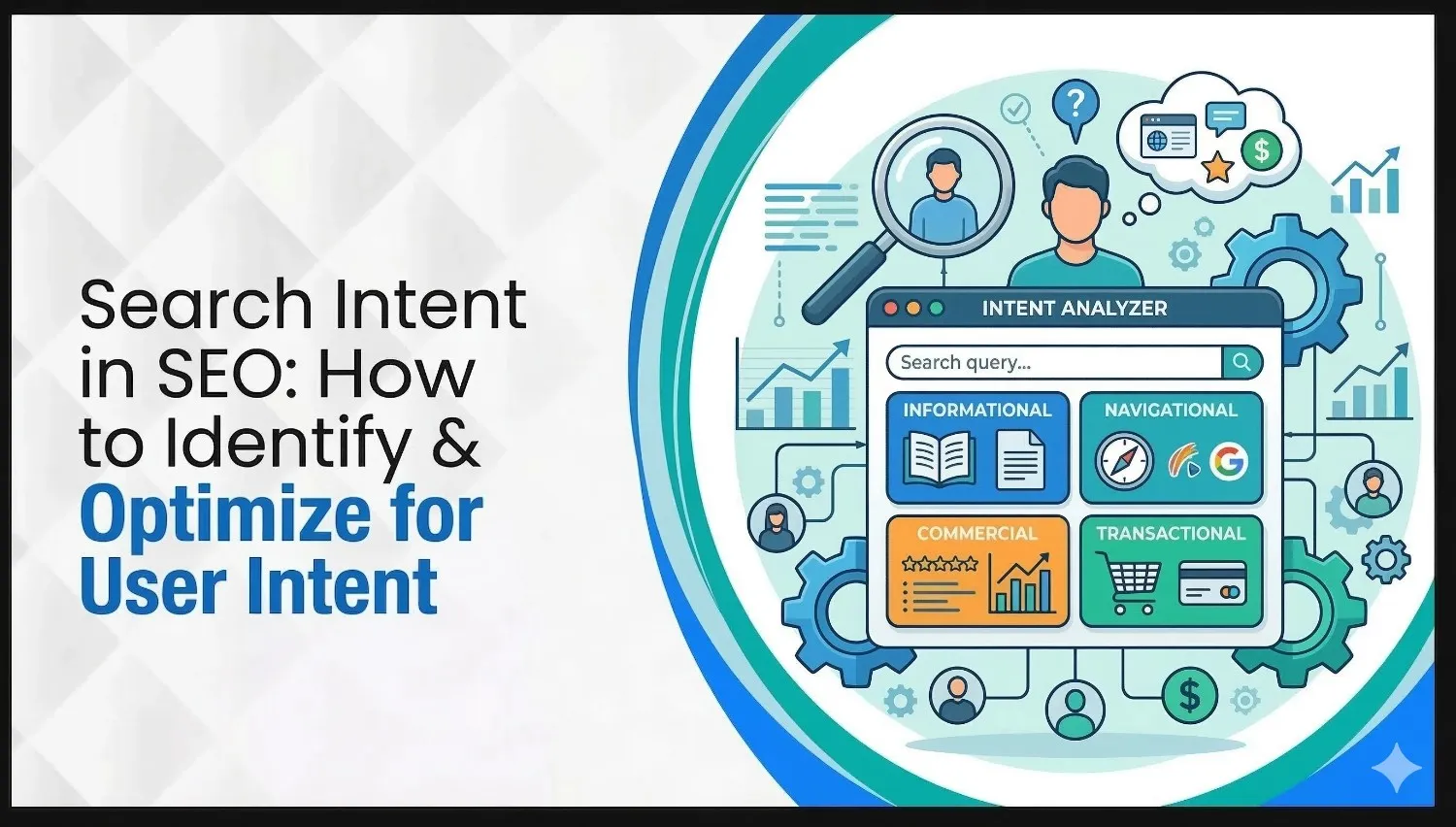
- Does the page meet user intent? Align content format with search intent (informational, commercial, transactional). For example, a blog post about “how to perform an SEO audit” should provide step‑by‑step guidance, while a service page might emphasise your audit methodology and unique selling points.
After analysis, prioritise re‑optimising high‑potential pages, eliminating or redirecting low‑quality content, and improving layouts or calls‑to‑action.
9. Analyse on‑page SEO elements
On‑page optimisation ensures search engines understand each page’s topic and relevance:
- Title tags and meta descriptions: Keep titles under 60 characters and descriptions under 160 characters. Include the focus keyword and entice clicks. Avoid duplicate meta tags across pages.
- Header tags (H1–H3): Use your primary keyword in the H1 and incorporate secondary keywords in subheadings. Structure headings logically to guide readers and search bots.
- Alt text: Describe images accurately and include keywords where appropriate.
- Internal linking: Link related pages using descriptive anchor text. Strengthen your hub‑and‑spoke model: hub pages link to child pages, and child pages link back to the hub, improving crawlability and topical authority.
- Schema markup: Implement relevant schema types (Organisation, LocalBusiness, FAQ, How‑To) to enhance rich results and help AI understand your content.
10. Evaluate link equity
Backlinks and internal linking still drive rankings. A study by Ahrefs found that 96.55 % of pages receive no organic traffic; high‑quality backlinks are a differentiator. To audit link equity:
- External links: Use Ahrefs, Moz or Majestic to assess domain authority, number of referring domains, follow vs nofollow links and anchor text distribution.
- Internal links: Use your crawl report to see how link equity flows within your site. Pages with few in‑links may need stronger internal linking. Review anchor text to ensure it’s descriptive and not over‑optimised.
- Toxic links: Identify spammy or irrelevant backlinks. Disavow them through Google Search Console to avoid potential penalties.
- Link‑building opportunities: Develop linkable assets (tools, data visualisations), run digital PR tied to local events, guest post on relevant Canadian and Mississauga publications, and reclaim unlinked brand mentions.
11. Perform a content gap and keyword analysis
Once technical and content audits are complete, identify new topics to target:
- Conduct a content gap analysis using tools like Ahrefs or Semrush. Compare the keywords your domain ranks for with those of competitors.
- Include your existing keywords and five to ten top competitors. Isolate non‑branded traffic in GSC and GA4 to focus on informational queries.
- Categorise keywords by intent (top, middle, bottom of funnel). Cluster related terms and assign them to appropriate page types. Tools like Keyword Insights can help cluster keywords at scale.
- Create a content roadmap with click‑worthy titles, recommended page types, and priority levels. In Mississauga, include local modifiers like “near me,” neighbourhood names (Port Credit, Streetsville, Meadowvale), and province‑specific terms (Ontario, Peel Region).
12. Address local SEO factors for Mississauga
Local businesses rely heavily on visibility in Google’s local pack and Maps. Include these actions in your audit:
- Google Business Profile (GBP): Claim and verify your business listing. Ensure your Name, Address and Phone number (NAP) are consistent across the web and include local categories. Add opening hours, photos and posts.
- Local citations: List your business in reputable Canadian and Mississauga directories (e.g., Yelp, YellowPages, 411.ca, Mississauga Board of Trade). Consistency helps search engines trust your NAP data.
- Reviews: Encourage happy customers to leave reviews on GBP, Facebook and industry‑specific platforms. Respond to reviews promptly to build trust.
- Localised content: Create location‑specific pages targeting neighbourhoods or suburbs. For example, a home services company could publish pages like “SEO audit services in Port Credit” or “local digital marketing strategy for Mississauga startups.” Include driving directions and mention local landmarks (Square One Shopping Centre, University of Toronto Mississauga) to improve relevance.
- Schema markup: Use LocalBusiness, PostalAddress and GeoCoordinates schema to provide search engines with structured location information.
13. Report findings and prioritise actions
After collecting data, compile a clear report:
- Summarise major issues and opportunities – highlight critical problems (e.g., blocked crawlers, slow pages, missing E‑E‑A‑T signals) and quick wins (e.g., updating meta titles).
- Assign priority levels – P1 issues should be fixed immediately; P4 tasks can be planned for later.
- Provide recommendations – include estimated impact and complexity. For example, “compress images site‑wide (High impact, Low effort)” or “build a content cluster around ‘Mississauga renovation contractors’ (Medium impact, Medium effort).”
- Define KPIs – track metrics such as organic sessions, keyword rankings, AI visibility and local pack impressions. Use GA4 and GSC to measure progress.
- Schedule regular audits – run automated crawls monthly to detect new issues and perform full audits at least annually. Businesses in dynamic markets or regulated industries may need quarterly reviews.
Conclusion
Conducting an SEO audit is no longer a “nice to have”, it’s essential for businesses that want to thrive in a rapidly changing search landscape. By following the steps above, you ensure search bots and generative AI understand, index and recommend your site. Audits reveal hidden issues, enable data‑driven decisions and give you a roadmap to outperform competitors.
Ready to boost your rankings in Mississauga and beyond? Our local digital marketing specialists can perform a comprehensive SEO audit tailored to your business goals. Contact us today to schedule your audit and start attracting more traffic and leads.
Frequently asked questions
What is an SEO audit?
An SEO audit is a systematic review of a website’s technical setup, content quality, and backlink profile to identify issues that could hinder visibility in search engines and AI‑generated responses. It assesses whether your site is accessible to crawlers, meets modern performance standards, and aligns with user intent.
How often should I conduct an SEO audit?
Automated scans should run monthly to catch broken links and other simple issues. A comprehensive audit – including technical, content, keyword and backlink analysis – should be performed at least once per year. Businesses operating in competitive industries or rapidly evolving markets (like technology or healthcare) may require quarterly audits.
What is the difference between a technical SEO audit and a content audit?
A technical SEO audit focuses on crawling, indexing, site structure, speed, mobile experience and on‑page tagging. A content audit evaluates how well content performs by page type, examining structure, E‑E‑A‑T, keyword targeting and user intent. Both are essential; technical issues can prevent great content from being indexed, while poor content can render a technically sound site ineffective.
How much does an SEO audit cost?
Costs vary widely depending on site size and complexity. Small businesses might spend a few hundred Canadian dollars for a basic on‑page SEO audit using free tools, while enterprise‑level sites often invest thousands for a comprehensive technical, content and link audit. The investment pays off by uncovering opportunities to increase rankings, traffic and leads.
Can I do an SEO audit myself?
Yes, you can conduct a simple audit using free tools like Google Search Console, PageSpeed Insights and Screaming Frog’s free version. However, larger sites or businesses with revenue at stake should work with experienced professionals who can interpret data and implement recommendations effectively. Professionals also have access to paid tools and advanced integrations that reveal deeper insights.
Search Here
More Categories
Latest Posts
March 17, 2026
Turab Talha
March 13, 2026
Turab Talha
March 9, 2026
Turab Talha
March 5, 2026
Turab Talha
March 3, 2026
Turab Talha