Technical SEO
· 8 min read
HTTP 401 Error: Meaning, Causes & Fixes
See what an HTTP 401 error means, how it differs from 403 and how users or developers can fix authentication problems. Check the steps now.
Read article
See what LCP, INP and CLS measure, why Google uses them, and the exact fixes for each metric. Check the full 2026 Core Web Vitals guide.
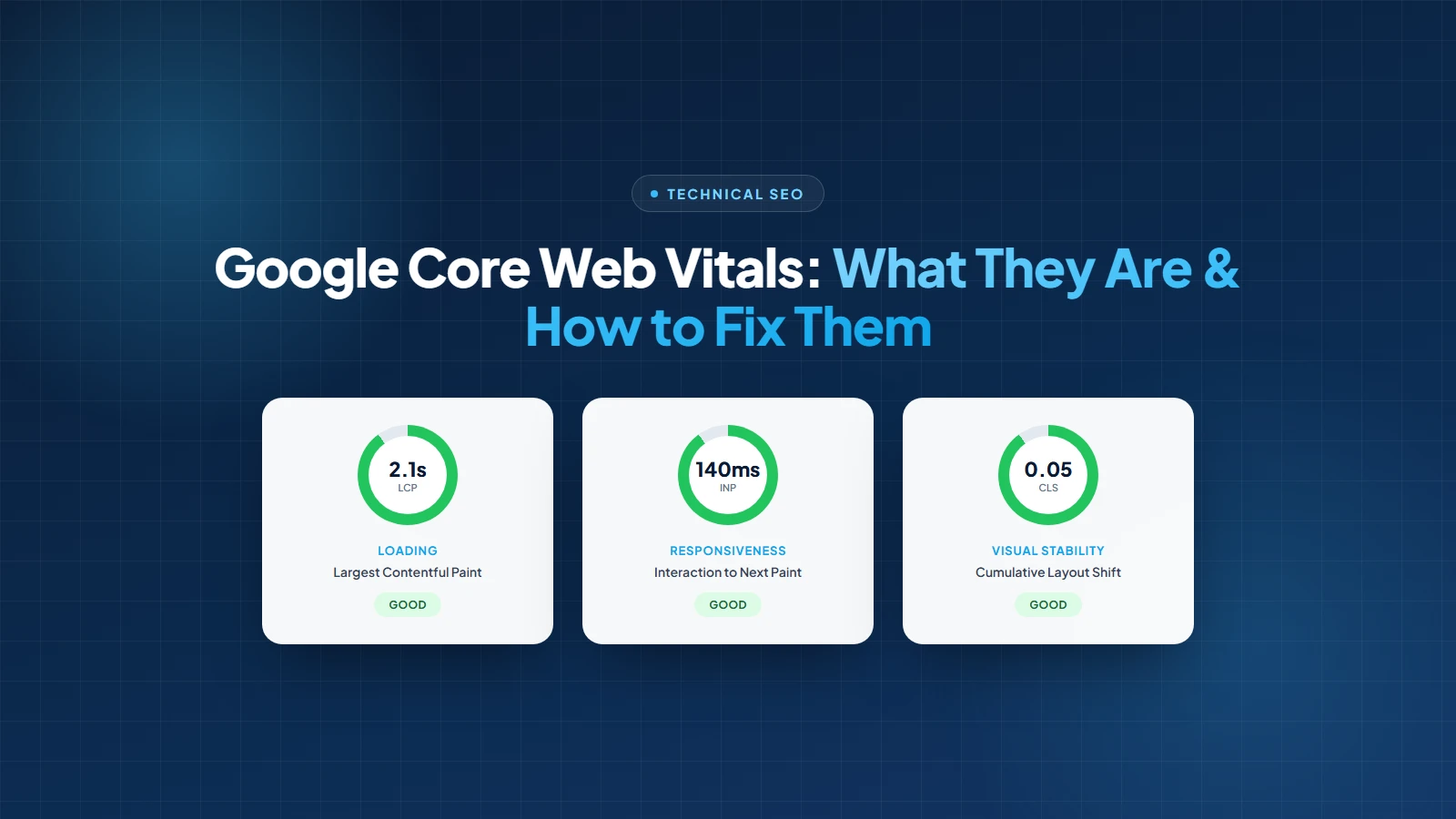
Someone lands on your site from a Google search, and for two full seconds nothing happens. Then, right as they go to tap the button they were reaching for, the page jumps and they hit an ad instead. That's not a bad day. That's a Core Web Vitals problem, and Google has been quietly grading every website on exactly this experience since 2021.
Core Web Vitals are three specific, measurable numbers: how fast your main content shows up, how quickly the page responds when someone clicks or taps, and how much the layout jumps around while it loads. Google pulls these numbers from real Chrome users visiting your site, not a lab test run once and forgotten.
This guide covers what each metric actually measures, the thresholds Google uses to call a page good, needs improvement, or poor, how to check your own scores in under five minutes, and the specific fixes that move each number in the right direction.
Core Web Vitals are three metrics Google uses to measure real-world page experience: Largest Contentful Paint for loading speed, Interaction to Next Paint for responsiveness, and Cumulative Layout Shift for visual stability, each scored against fixed thresholds pulled from actual Chrome user data.
Google introduced them in 2020 and folded them into ranking as part of the Page Experience update in 2021. Before that, site speed was measured through a grab bag of metrics that mostly meant something to developers and nothing to a business owner trying to figure out if their site was actually fine. Core Web Vitals replaced that with three numbers anyone can check and understand.
Each metric targets a different point of frustration in a real visit: waiting too long for content to appear, tapping something and feeling a lag before it responds, and losing your place because the page shifted under your finger.
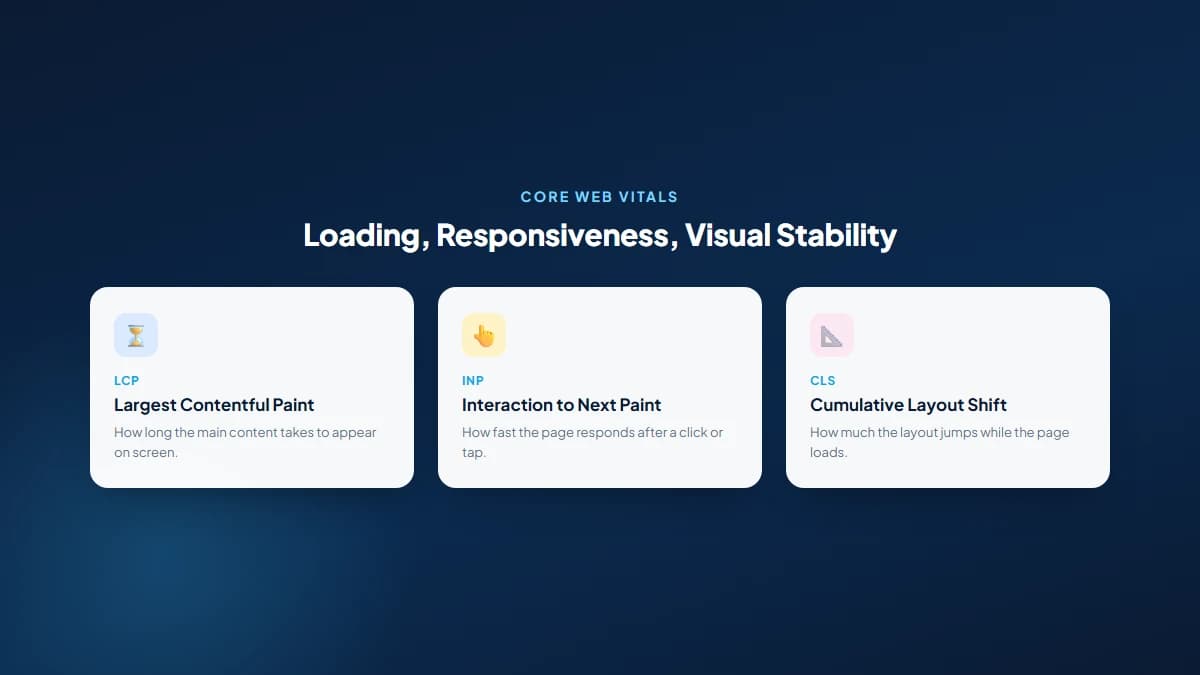
| Metric | Good | Needs Improvement | Poor |
|---|---|---|---|
| Largest Contentful Paint (LCP) | 2.5s or less | 2.5s to 4s | More than 4s |
| Interaction to Next Paint (INP) | 200ms or less | 200ms to 500ms | More than 500ms |
| Cumulative Layout Shift (CLS) | 0.1 or less | 0.1 to 0.25 | More than 0.25 |
That 75th percentile detail matters more than most site owners realize. Google doesn't average your scores. It looks at the slowest experience out of every four visits and grades you on that. A page that's fast for most people but drags badly on an older phone or a weak connection will still show up as needs improvement or poor, because that slower quarter of real visits is what actually gets counted.
One metric changed recently and it's worth flagging directly: Interaction to Next Paint replaced First Input Delay as the official responsiveness metric in March 2024. FID only measured the delay before the browser started processing your first click. INP measures the full time from interaction to visible response, across every interaction on the page, not just the first one. It's a stricter, more honest number, and it's why some sites that passed comfortably under FID are suddenly failing under INP.
Core Web Vitals matter for SEO because Google uses them as part of the page experience signal in ranking, and because slow, jumpy pages measurably push visitors to leave before converting, which is a business cost that shows up whether or not Google is involved at all.
Be clear about the scale of the ranking effect, because a lot of blog posts oversell it. Google has said page experience is a comparatively small ranking factor next to content relevance, backlink authority, and matching search intent. A page with mediocre Core Web Vitals and genuinely excellent content will still beat a lightning-fast page full of thin, unhelpful writing. This is one input among many, not a silver bullet, and it's the same honest framing we give clients evaluating any single piece of search engine optimization.
The scenario where it matters most is the tie. Two pages targeting the same keyword, similar content depth, similar backlink profiles: Core Web Vitals is exactly the kind of signal that can decide which one gets the edge. Most competitive Mississauga service pages are closer to that tie than business owners assume, which is why we run a Core Web Vitals check as a standard part of every technical SEO engagement rather than an optional extra.
Set Google aside entirely and the numbers still matter. Slow load times and jumpy layouts push people to abandon a page before they ever see your offer, and a mistimed tap caused by a layout shift is a lost lead, not just a bad metric. Improving user experience and improving Core Web Vitals are, in practice, the same project wearing two different names.
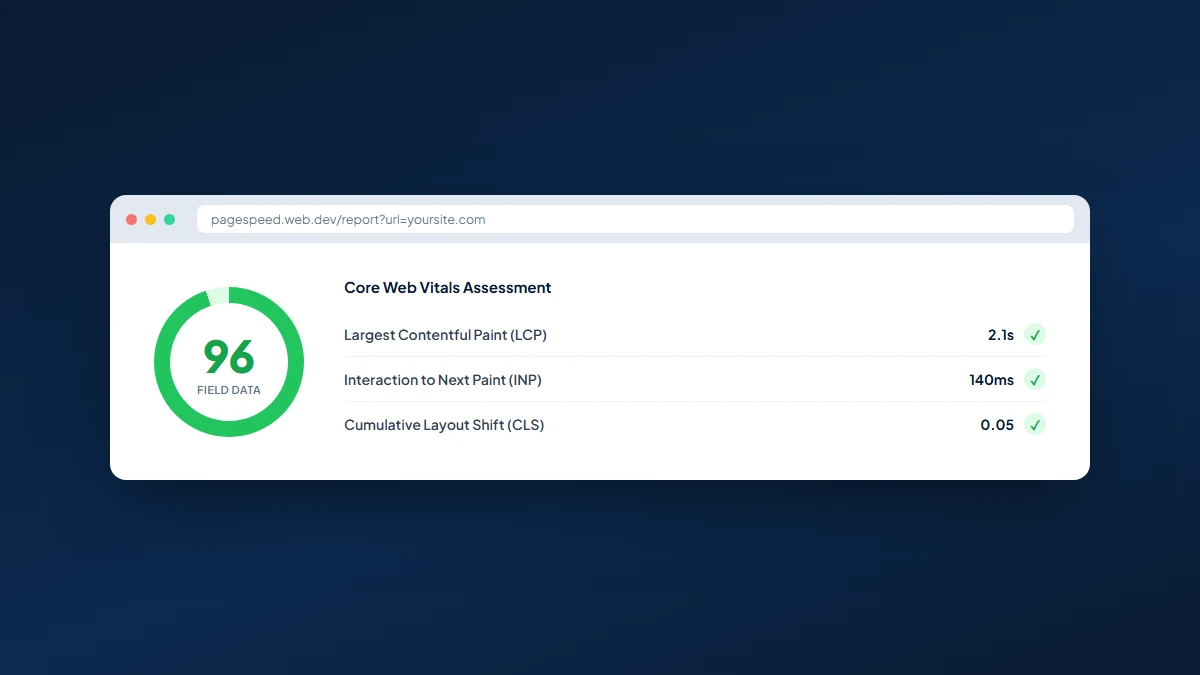
Measure Core Web Vitals with Google's free PageSpeed Insights tool, which reports both real-user field data and a simulated lab test for any URL, or check the Core Web Vitals report in Google Search Console for a site-wide view across every indexed page.
These two data sources answer different questions, and mixing them up is one of the most common mistakes we see. Field data comes from the Chrome User Experience Report (CrUX), a rolling 28-day sample of real visits from real Chrome users on real devices and real connections. It's what Google actually uses for ranking, and it's what shows up in Search Console.
Lab data comes from a single simulated page load, usually via Lighthouse, run under fixed, controlled conditions. It's useful for testing a fix before it ships, and it's the only option for a page that doesn't have enough real traffic yet to generate field data. But it's also a single snapshot on one simulated device, and it can't fully measure INP, since INP requires a real interaction. Lighthouse substitutes Total Blocking Time as the closest lab proxy for responsiveness.
Improve LCP by compressing and correctly sizing your largest image or text block, removing render-blocking CSS and JavaScript from the page's critical path, cutting server response time, and preloading the specific resource that renders last, whether that's a hero image, a video poster, or a web font.
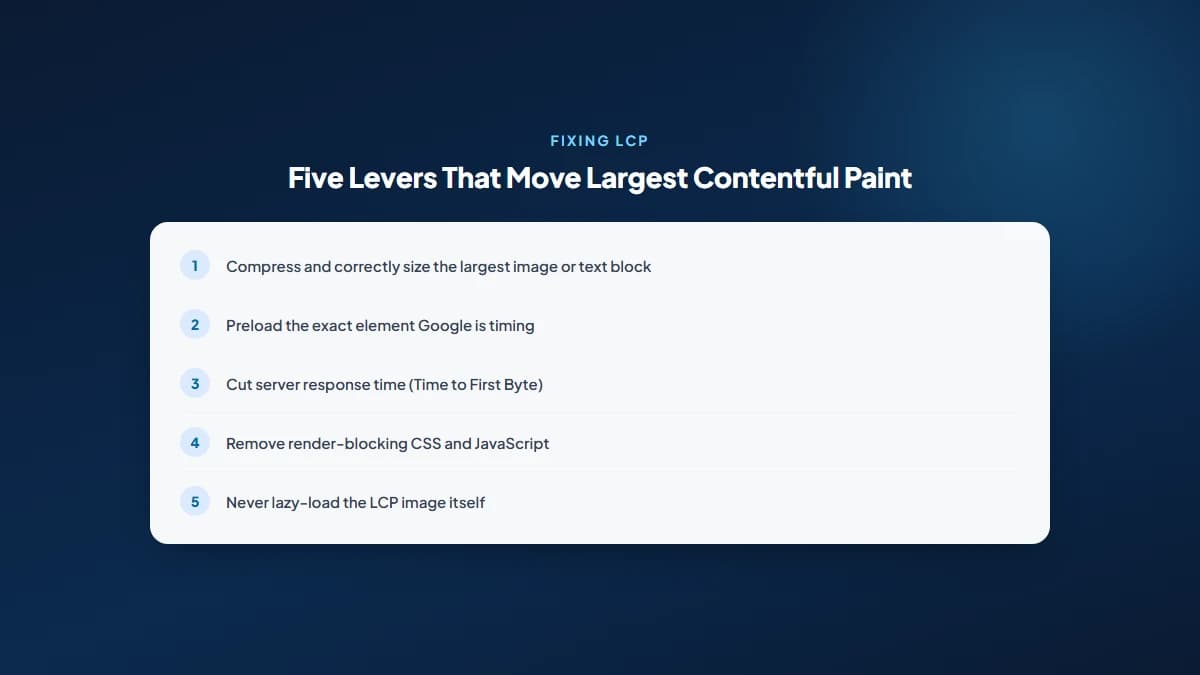
Most LCP problems trace back to one of two root causes: an unoptimized hero image, or a slow server response holding up everything downstream of it. Both are exactly the kind of issue an SEO audit is built to catch before they quietly cost you rankings and leads.
Improve INP by breaking up long JavaScript tasks so the main thread stays free to respond to clicks, deferring or removing JavaScript that isn't needed for the initial interaction, and keeping event handlers lean so a tap, click, or keystroke gets a fast visual response instead of sitting in a queue.
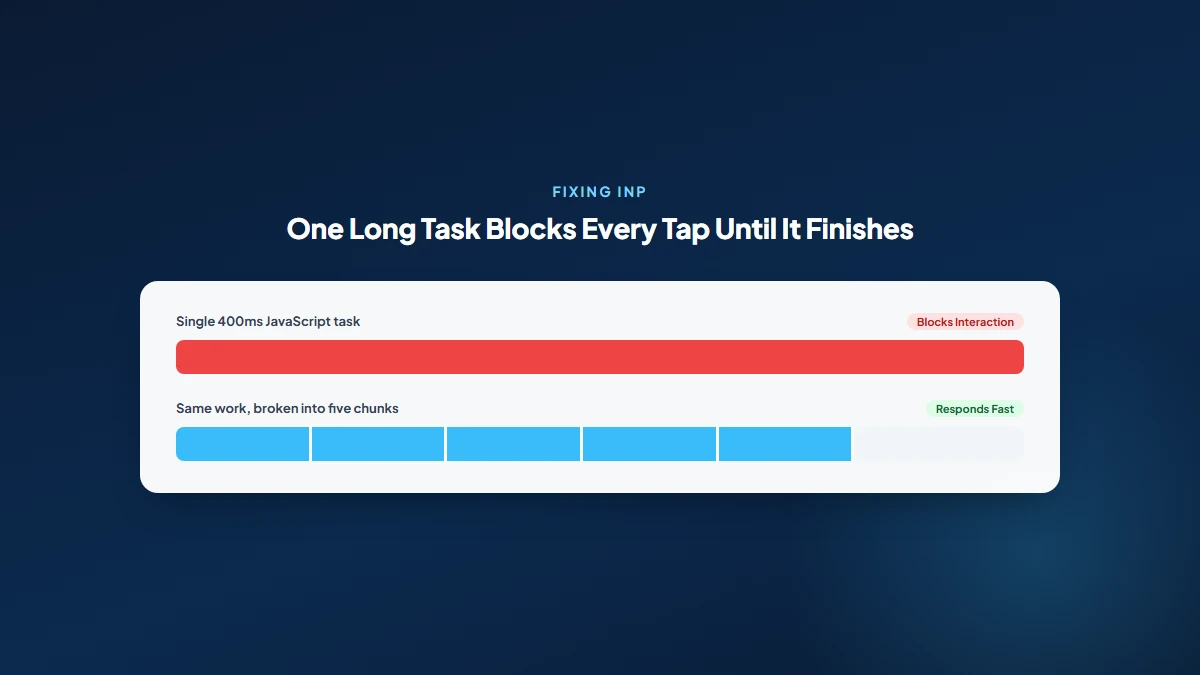
Third-party scripts are the most common INP offender we find in practice: a chat widget, a marketing pixel, or an embedded form that loads a huge JavaScript bundle and locks up the main thread right when someone's trying to interact. This is exactly the kind of embed-loading problem worth flagging to whoever manages your on-page SEO or dev work before it drags every page down.
Improve CLS by setting explicit width and height (or an aspect-ratio) on every image, video, and embed, reserving space for ads and dynamically injected content before it loads, and avoiding animations that move layout properties instead of using transform and opacity.
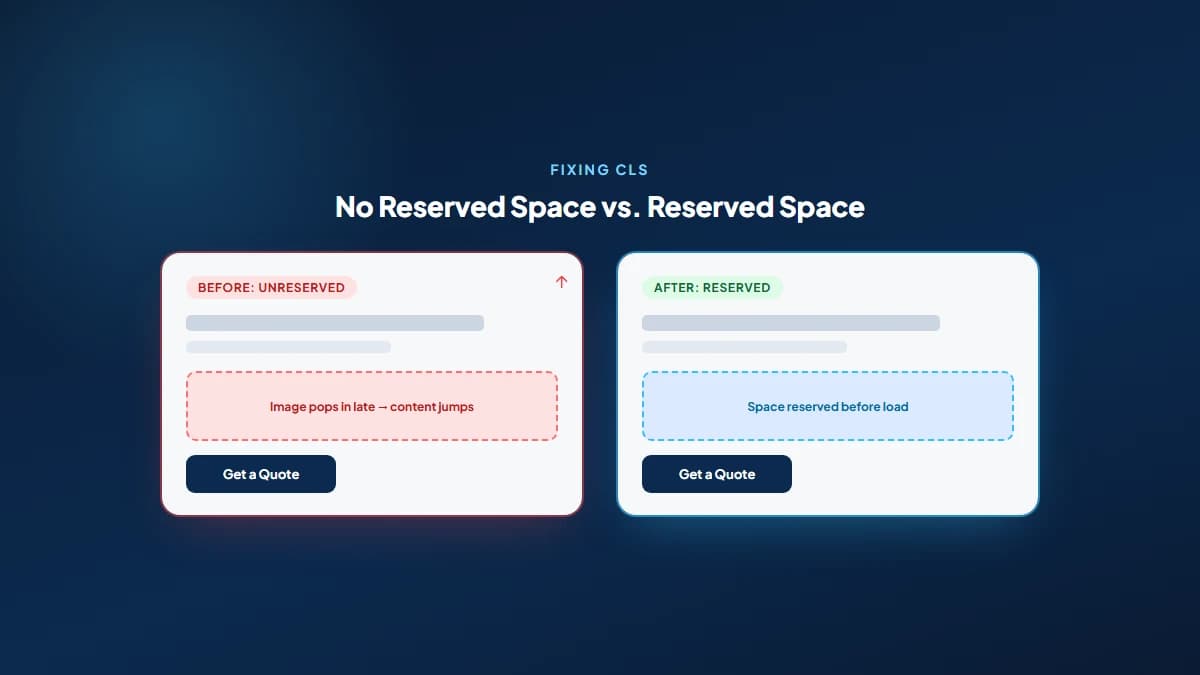
CLS bugs are sneaky because they're often invisible in a quick manual check and glaring in the actual data. We've traced a site-wide CLS failure back to a single missing script tag before, the kind of root cause that only shows up when you actually trace real page behaviour instead of guessing from a symptom, which is the same discipline we bring to every SEO audit we run.
No. Core Web Vitals are one of many ranking signals, and Google has repeatedly said content relevance and quality outweigh page experience in most searches. Fixing your scores won't rescue a page with thin or unhelpful content, and it won't outrank a genuinely better answer to the same query.
What it does reliably do is remove a friction point that costs you visitors regardless of where you rank. A visitor who bounces because a button jumped out from under their thumb was never going to convert anyway, and that's true whether Google was watching or not. Treat Core Web Vitals as table stakes, not a growth lever, and the priority becomes clear: fix the technical friction, then put the real effort into content and on-page SEO that actually earns the click.
That's exactly why we treat Core Web Vitals as a standard checkpoint in every technical SEO engagement, alongside things like schema markup and canonical tags: small, unglamorous fixes that rarely make a site rank on their own, but that clear the way for the content and strategy work that does.
Interaction to Next Paint (INP) officially replaced First Input Delay (FID) as a Core Web Vital in March 2024. INP measures the response time across every interaction on a page, not just the first one, making it a stricter and more complete responsiveness metric.
Good scores are LCP at 2.5 seconds or less, INP at 200 milliseconds or less, and CLS at 0.1 or less, measured at the 75th percentile of real Chrome visits. Hitting all three puts a page in Google's good category for page experience.
Google scores and reports Core Web Vitals separately for mobile and desktop, and since Google primarily uses mobile-first indexing, your mobile scores generally carry more practical weight. A page can pass comfortably on desktop and still fail on mobile.
Field data in the Chrome UX Report and Search Console rolls on a 28-day window, updating daily but always reflecting the trailing four weeks of real visits. A fix you ship today won't fully show up in field data until that rolling window catches up.
Yes. A page can feel fast on a good connection and still fail on the slower devices and networks that make up part of your real traffic, since Google grades the 75th percentile of visits, not the average or best case.
Not by default, but a heavy theme, too many plugins, and unoptimized images commonly do. A lean, well-configured WordPress build with proper caching and compressed images can hit good scores across all three metrics without much difficulty.
Get a free SEO audit and a clear, prioritized plan for your Mississauga business — no long-term contract required.
Get a Free SEO Audit· 8 min read
See what an HTTP 401 error means, how it differs from 403 and how users or developers can fix authentication problems. Check the steps now.
Read article· 11 min read
Improve brand mentions in ChatGPT, Gemini and AI Overviews with stronger entities, citations and answer-ready content. Use the 2026 checklist.
Read article· 14 min read
Build a keyword plan around search intent, competition and business value, then map terms to the right pages. Follow the step-by-step process.
Read article