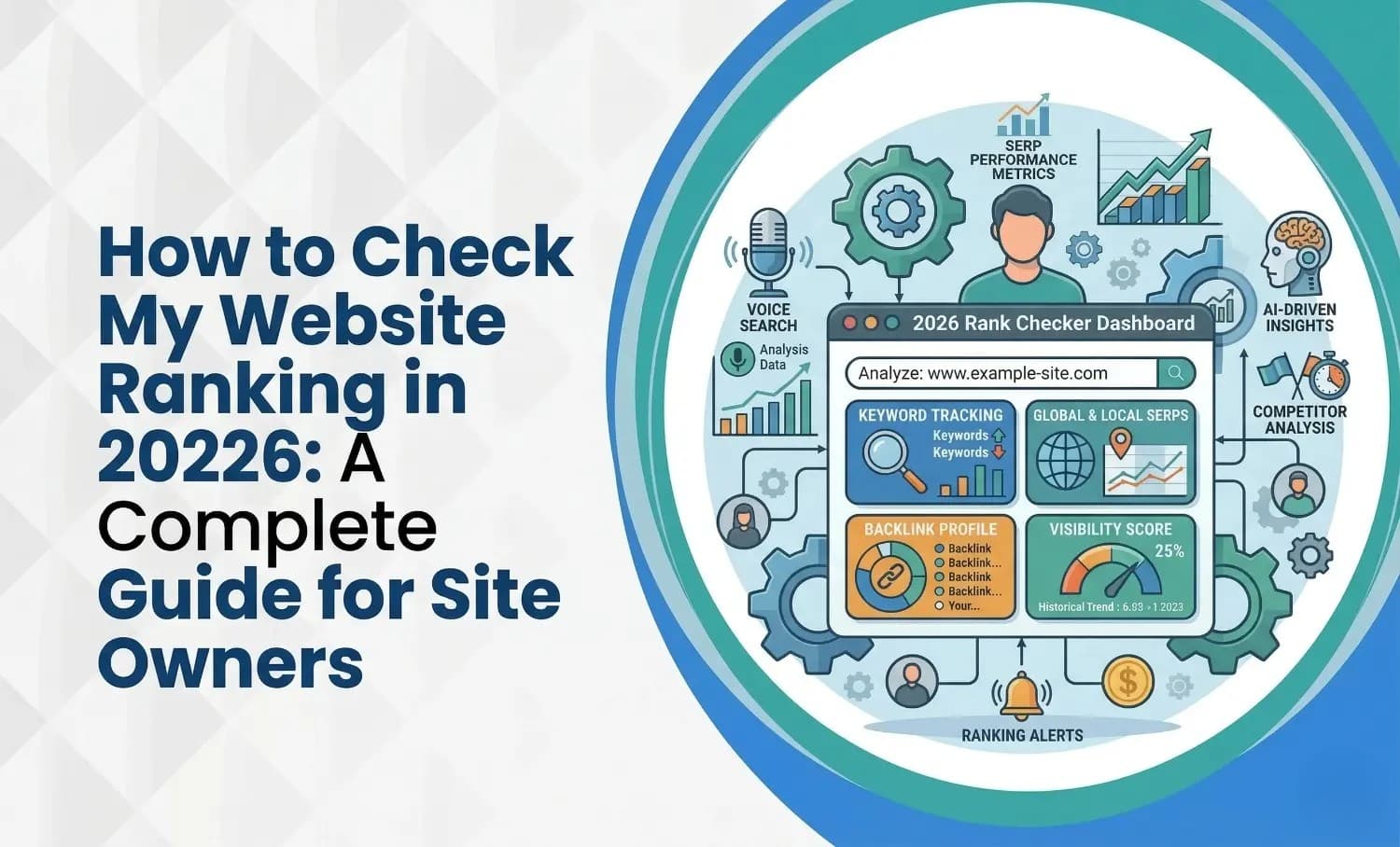
Track rankings accurately with Search Console, Maps grids and SEO tools while avoiding personalized results. Follow the checking process.
Turab Talha13 min read
In 2026, the best way to check your website ranking is by using Google Search Console for real search data and pairing it with live SERP trackers like Seobility or Sitechecker for exact keyword positions. Search Console shows how your site actually performs across queries, including average position, clicks, impressions, and CTR. Live rank trackers help you see where a keyword stands at that moment on the search results page.
If you still check rankings by typing your keyword into Google and hoping for the best, this blog may save you from one of the most common SEO mistakes in 2026.
This guide is for site owners who want a simple and accurate way to check rankings without getting lost in jargon, bad advice, or tool overload. You will learn what ranking really means, how to read average position without misreading it, how to tell whether your problem is visibility, clicks, or indexing, and which free tools actually help.
Why Your Website Ranking Matters
Ranking in organic search directly influences how much traffic you receive. A high ranking therefore determines whether you attract traffic or get overlooked.
Google’s algorithm evaluates hundreds of signals to determine ranking; factors include user experience (UX), on‑page and technical SEO, content quality, keyword relevance, backlinks and user engagement. Understanding where your pages currently stand helps you:
Prioritise improvements. Pages stuck around positions 8–15 are prime candidates for optimisation.
Measure results over time. Tracking rankings weekly or monthly highlights the effect of new content, technical fixes or link‑building campaigns.
Benchmark against competitors. Knowing where rival domains rank can reveal content gaps or opportunities.
Protect against algorithm updates. Google releases several core updates each year. Monitoring your rankings allows you to spot sudden drops and investigate whether they’re due to algorithm changes, technical issues or increased competition.
Why Manual Google Searches Give Misleading Results
It’s tempting to open Google, type your target keyword and check where your site appears. This method is inaccurate because Google personalises results based on your search history, location and device.
Even if you sign out of your account and use private browsing, you only get a single data point. A more reliable approach involves:
Using an incognito window and setting the search location manually to simulate your target region.
Turning off personalised search results (log out of Google) for a rough snapshot.
Clearing cookies and cache to remove local bias.
Recognising that this is still a spot‑check; it does not reflect aggregate data across all users.
To make informed decisions, you need tools that gather position data across multiple queries, devices and locations.
Understanding Google’s Position Metrics
What "position" means in Google Search
Google Search pages display a mix of blue links, carousels and other elements. Google explains that position is a relative ranking of where a link appears on a results page. Positions are counted from top to bottom on the primary column and then the secondary column.
The average position metric in Search Console averages the topmost position of your URL across all impressions. For example, if your page appears at position 2 for one query and position 4 for another, the average position becomes 3. If a page isn’t seen by the user (e.g., it appears on page 3 of results but the user only views page 1), the position isn’t recorded.
Other key metrics
When you check rankings, consider these metrics provided by Google Search Console and professional tools:
Impressions: the number of times a link to your site appeared in search results. High impressions with low clicks indicate that users see your result but don’t click it, suggesting that titles or snippets need improvement.
Clicks: the number of clicks from search results to your site. Reflects actual traffic you gain; low clicks despite high rank may signal misaligned intent or unattractive snippets.
Click-through rate (CTR): clicks divided by impressions. Low CTR at high positions suggests poor titles or meta descriptions; high CTR at lower positions indicates strong appeal or brand recognition.
Average position: the average of the highest positions your page achieved across all impressions. A lower number means higher rankings. Track changes over time rather than fixating on a single value.
Understanding these metrics helps you interpret ranking reports and identify pages that need attention.
How to Check My Website Ranking on Google (Free Methods)
1. Use Google Search Console (GSC)
Google Search Console is the most reliable free source for ranking data. It provides average position, queries, clicks and impressions, covering the last 16 months with a two‑day lag. Here’s how to check your rankings:
Verify your site in GSC. You need to prove ownership. Use either the domain property (recommended for complete coverage) or URL prefix methods. Verification options include adding a DNS TXT record, uploading an HTML file, adding a meta tag or using Google Analytics.
Open the Performance report. From the left‑hand menu, click Search results (Performance). This report shows clicks, impressions, CTR and average position for queries and pages. Use the date filter at the top to choose time frames (e.g., last 28 days, last 3 months or year‑over‑year). Comparing periods helps spot trends.
Analyse query data. The Queries tab lists keywords your site ranks for. To include average CTR and position, tick the respective boxes above the graph. High impressions but low CTR suggest titles or snippets need improvement. Queries you expect to see but don’t appear indicate content gaps.
Analyse pages. Click the Pages tab to see performance by URL. Pages around positions 8–15 are “almost there” pages; minor updates (improving content, adding internal links) can push them into the top results. Filter by page to see which queries drive traffic.
Filter by location and device. Use filters to see how rankings vary by country, region, device and search appearance. If you serve local markets (e.g., “web design toronto”), set the filter to Canada or your city. Rankings differ by location because search results are localised.
Use the AI Configuration tool (optional). In 2026 Google added an AI‑powered configuration feature that sets up the Performance report based on natural language prompts. You can ask for “keywords with high impressions and low CTR in Canada last 28 days” and GSC will configure the report accordingly. This saves time but doesn’t perform analysis for you.
Inspect individual URLs. The URL Inspection tool shows whether a page is indexed and reveals issues with canonical tags, robots directives and rendering. If your page isn’t indexed, it can’t rank. Use this tool after major updates or when troubleshooting drops.
2. Manual Spot‑Checks in Incognito Mode
While not as reliable as GSC, manual searches are useful for getting a sense of how your page appears to users. To reduce personalisation bias:
Open a private or incognito window. This reduces cookies and personal search history.
Log out of Google. Search results may still be personalised if you’re logged in. Clear cookies if possible.
Set your location. For local queries (e.g., “digital marketing agency Mississauga”), you can add &uule=… parameters to the URL or use a VPN to simulate the target city. Tools like site:yourdomain.com query also help find specific pages.
Check from multiple devices. Search results differ on desktop and mobile; Google emphasises mobile experience.
This method is quick but should complement, not replace, tools that collect aggregated data.
3. Third‑Party Rank Trackers and SEO Platforms
Google Search Console only shows data for queries that generated impressions. It doesn’t track keywords you don’t yet rank for or competitor positions. Professional rank trackers fill this gap. Here are the key features to look for and some recommended tools.
Key features of good rank trackers
Current position checks. See where your domain ranks for selected keywords and compare against competitors. SiteChecker’s rank checker shows your positions on Google for the top 100 results across 155 countries.
Historical tracking. Follow position changes over time, including daily, weekly or custom intervals. This helps you understand seasonality and the impact of your actions.
Keyword import and suggestions. Upload your keyword list or let the tool suggest related keywords and search volumes.
Local and device‑specific tracking. Choose city‑level tracking to monitor how you rank in Mississauga or other localities. Separate mobile and desktop data reveals differences in user behaviour.
Visibility scores. Some tools compute overall website or page visibility based on aggregated keyword rankings.
Competitor analysis. Compare your keyword positions and visibility against rival domains. This helps you see who’s gaining ground.
Export and reporting. Export data as CSV or PDF to share with your team or clients.
Popular tools for 2026
SE Ranking. A solid mid‑market option with daily rank updates, localised tracking by city or postcode, and an intuitive interface. Pricing starts around £44 per month. It integrates with Google Search Console and allows competitor comparisons.
SEMrush. A comprehensive platform offering daily keyword tracking, competitive analysis and integration with GSC. Pricing starts around £100 per month. SEMrush also provides tools for PPC and content marketing.
Ahrefs. Known for its large backlink database and strong keyword tracker; it tracks both desktop and mobile rankings and shows whether you hold featured snippets or other SERP features. Its pricing is similar to SEMrush.
Moz Pro. Includes a rank checker powered by STAT for precise real‑time results. Weekly updates may be sufficient for small sites.
SiteChecker Rank Tracker. Offers a unified dashboard for ranking data across countries and devices. Features include uploading keyword lists, getting keyword suggestions, local and mobile tracking, and competitor analysis. The tool shows distribution of keywords in the top 10, 11–20 and 21–100 positions and provides graphs for position trends.
Advanced Web Ranking. Suitable for agencies tracking hundreds of keywords across clients. Offers white‑label reporting and API integration.
4. Checking Ranking on Other Search Engines
Google dominates search, but Bing, Yahoo and other engines still matter. In March 2026, Bing held about 5.13% and Yahoo held 1.48% of global market share. If your audience uses these engines, you should track rankings there too. Some rank trackers (SE Ranking, Advanced Web Ranking) allow you to choose the search engine. When checking manually, open the search engine in private mode, set location preferences and compare results across engines.
How to Check My Website Keyword Ranking (for Specific Keywords)
Sometimes you need to monitor specific keywords rather than overall site visibility. Here’s how:
List your primary commercial keywords. These are terms prospects use when ready to buy.
List informational keywords. Questions or topics your audience searches before buying (e.g., “how to launch an online store in Canada”).
Include local variants. Combine keywords with city, neighbourhood or region names. Google personalises results based on location.
Upload keywords to your rank tracker. Tools like SiteChecker and SE Ranking allow bulk imports and will show positions even if you don’t yet rank.
Monitor search volume and difficulty. Look for long‑tail keywords with lower competition and moderate search volume; these are often easier to rank for.
Track SERP features. Note if your keywords trigger featured snippets, local packs, “People also ask” boxes or AI summaries. Tools like Ahrefs highlight when you own a featured snippet.
How Often Should You Check Rankings?
Daily ranking checks create noise; rankings can fluctuate due to personalised results, algorithm tests or random variations. Our experts recommend a weekly review to spot meaningful moves and a monthly review to compare against previous months and the same period last year. Check more frequently after publishing new content, building links or when Google announces a core update. Google posts update announcements on its Search Status Dashboard; allow two to four weeks for positions to stabilise.
Interpreting Ranking Data
Monitor trends, not single positions. A page’s average position might move from 7.5 to 9 without indicating a problem. Focus on sustained declines or improvements over several weeks.
Compare position with CTR. Being in position 1 doesn’t guarantee high traffic; a page at position 4 with an enticing snippet may get more clicks.
Look at impressions vs clicks. High impressions and low clicks point to mismatched intent or unappealing titles.
Analyse query gaps. If you expect to rank for a keyword but it doesn’t appear, you may lack content or relevance. Create targeted content or optimise existing pages.
Filter by device and country. Mobile and desktop rankings can differ; localised queries show varied results. Adjust your strategy accordingly.
Common Reasons Rankings Drop
When rankings decline across many queries, consider these causes:
Algorithm updates. Google releases multiple core updates each year. Check whether a confirmed update correlates with the date your decline started. Avoid making reactive changes during roll‑outs; wait for the update to finish before adjusting content.
Technical issues. Pages may become accidentally noindexed, blocked in robots.txt, or removed from the sitemap. Server outages, SSL errors or slow loading times can also reduce visibility. Use GSC’s Coverage or Page Indexing report to identify technical problems.
Competitor improvements. A competitor may publish better content or build more backlinks, overtaking you. Analyse their pages to understand why they rank better and update your content.
Content freshness. Pages that ranked well for “best tools in 2023” may decline as the information becomes outdated. Regularly update time‑sensitive content.
If your rankings have dropped, your traffic feels stuck, or you are not sure what the data is really telling you, it may be time to get expert help. Contact the WR SEO Mississauga experts for a proper review of your website performance, search visibility, and ranking opportunities. A clear SEO strategy can save you time, fix the real issues, and help your website bring in the traffic and leads it should.
Frequently Asked Questions
What is the best way to check my website ranking for free?
Google Search Console provides the most reliable free data on your website’s performance. It shows average position, impressions, clicks and click‑through rate for each query. You can filter by page, country and device to see precise positions and trends.
How do I check where my website ranks on Google for a specific keyword?
Use the Queries tab in GSC to view the keywords your site ranks for. To monitor a specific keyword not shown, use a rank tracker like SiteChecker or SE Ranking. Enter your domain and the keyword; the tool will show your current position and competition.
How often should I check my website’s ranking?
A weekly review is sufficient for most businesses. Monitor monthly trends and compare year‑over‑year results. Check more frequently after major website changes or algorithm updates.
Why does my ranking differ between devices or locations?
Google personalises results based on location, device and user behaviour. Mobile and desktop results differ because of screen size, search intent and algorithm variations. Use rank trackers that separate mobile/desktop data and allow location filters.
How do I check my website ranking on Bing or other search engines?
Some rank trackers let you choose the search engine. Alternatively, open Bing in private mode, set the region and search your keyword to see your position. Remember that Bing and Yahoo’s market shares are much smaller than Google’s (5.13% and 1.48%, respectively).
What if my site doesn’t appear at all?
If your page isn’t indexed, it cannot rank. Use the URL Inspection tool in GSC to see whether Google has indexed your page and whether any technical issues exist. If the page is indexed but doesn’t rank, ensure the content matches search intent and acquire backlinks.
Want This Handled For You?
Get a free SEO audit and a clear, prioritized plan for your Mississauga business — no long-term contract required.